Setting up Claude to help you edit videos and tell your story.
A walkthrough for artists using the $20/month Claude Pro plan to set up a video editing system and a history of your story — so Claude can edit your videos the same way, every time, from a single prompt.
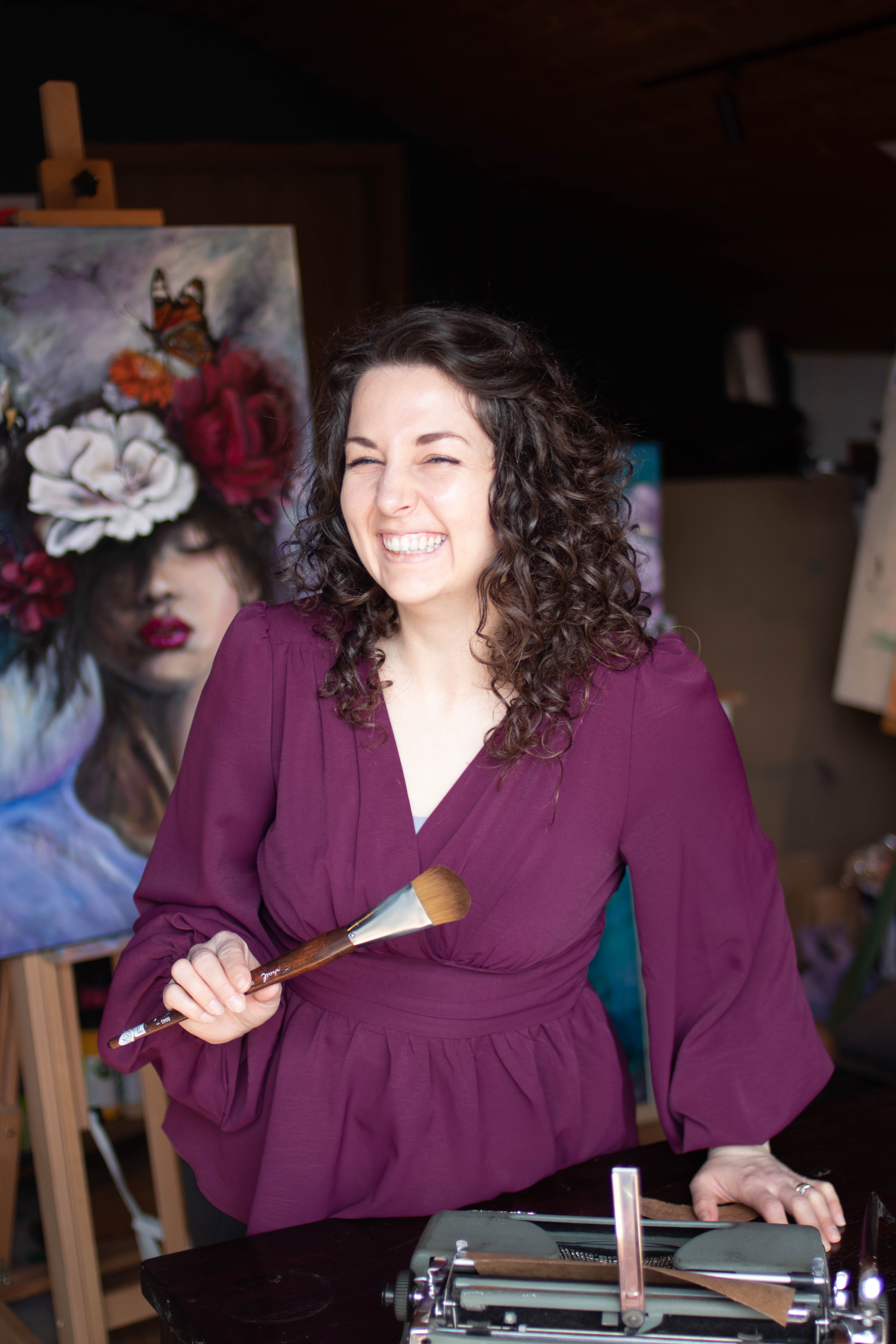
"If you want to see posts made with a single prompt, check out my latest Instagram Reels. I've been blown away with how easy it has been." — Taylor Chey
The Official Claude Artist Video System Artifact
Taylor's official Claude video template. Paste it into Claude with the prompt below and it will walk you through filling everything out — one question at a time — until your own video editing system is built.
"I want to create a video system artifact for you to edit all my videos the same way..."
The 3-Step Setup for Artists
Step 1 and Step 2 are interchangeable. Spend 1 to 2 hours setting up once, and never stare at a blank video timeline again.
Setup Your Video Editing System Artifact
Paste the master video template into Claude so it prompts you step-by-step and standardizes every video you ever create.
- •Takes ~1 to 2 hours for tech-oriented folks, longer if you're taking your time
- •Step 1 & Step 2 are interchangeable — start with Step 2 if you prefer storytelling first!
- •Once built, this artifact serves as the permanent 'brain' for all future video cuts
- Open Claude.ai (you'll need the $20/month Pro version for Artifacts and voice conversations).
- Grab Taylor's official Claude Video Template artifact link: https://claude.ai/artifact/U92TGvuKHbxEtD9tXwS1nA#716c6aee-0308
- Copy everything inside that artifact and paste it into a fresh Claude chat with the calibrated calibration prompt below.
- Claude will act as your interactive creative director, asking you one question at a time (your artistic style, pacing, text overlays, color moods) until your custom video system artifact is complete.
I want to create a video system artifact for you to edit all my videos the same way, Please help me fill everything out by prompting me one question after another until everything has been filled out, use [PASTE THE COPIED CONTENT FROM TAYLOR'S ARTIFACT HERE]
Create Your History Artifact (Your Story & Why)
Spend 45 minutes talking into Claude's phone app to download your artist journey, superpower, and sacred stories.
- •This is CRUCIAL to getting authentic captions, emails, and voiceovers that don't sound robotic
- •Prevents generic social media AI fluff by grounding Claude in your personal truth
- •Acts as an endless wellspring of hooks, reel concepts, and collector newsletter stories
- •Skip any question that doesn't fit — just tell Claude to move on
- Download the Claude app on your mobile phone and tap the voice conversation icon.
- Spend 30–45 minutes just speaking from the heart: how you fell in love with painting, the chaotic beauty of your studio, your creative breakthroughs, emotional turning points, and why you make art.
- Cover keywords, personal phrases, collector questions you've received, and what each layer on the canvas represents.
- Tell Claude: 'Compile everything I just spoke about into a comprehensive History & Storytelling Artifact for my art business.'
- Not sure what to share? Use Taylor's History Artifact conversation guide — it walks you through it. And if a question doesn't fit you, just say "move on to another question" or "ask me something else" and Claude will skip it.
Synthesize everything we just discussed into an official 'Artist History Artifact'. Organize it into: 1) My Artistic Superpower & Aesthetic Rules, 2) Origin Stories & Transformative Moments, 3) Signature Vocabulary & Tone Guide, 4) Recurring Themes & Sacred Meaning Behind My Work, and 5) Key Collector Emotional Hooks. Format this as a clean, structured reference artifact.
Drop Raw Clips & Prompt the Final Edit
Drop raw studio footage directly into the chat and let Claude marry your visual pacing with your personal story archive.
- •Leave AI music OFF: AI-generated music usually sounds tacky. Curate your own royalty-free track artifact or add music manually in Instagram.
- •Tweak as you go: refine the system by saying 'Change this rule in the video system artifact' or 'Add this story into my history artifact'.
- •Single-prompt power: you can produce an entire week of authentic reels in a single studio afternoon.
- Film a few raw 10–60 second clips while you paint (mixing colors, palette knife scrapes, step-backs, brush marks).
- Drop the video clips or stills directly into Claude.
- Use the magic prompt to cross-reference your two artifacts.
- Claude will generate a beat-by-beat timeline: exact timestamps, on-screen text hooks, voiceover script, and transition notes.
Use my video editing system artifact, take a story from my history artifact, and create an edited video breakdown for me with these clips. Provide timestamp cuts, on-screen text overlay, and a natural voiceover script.
Start posting today.
Your first 100 videos usually are horrible — that's normal. Don't let the editing part stop you from sharing your work. This system isn't the most advanced one out there, and it doesn't need to be. It's a simple framework that helped me get way more content out there without the overwhelm. Start here, tweak it as you go.
Claude in Action — Video Demos
Spots reserved for Taylor's real screen recordings of the system running. Drop your clips in and they'll play right here.
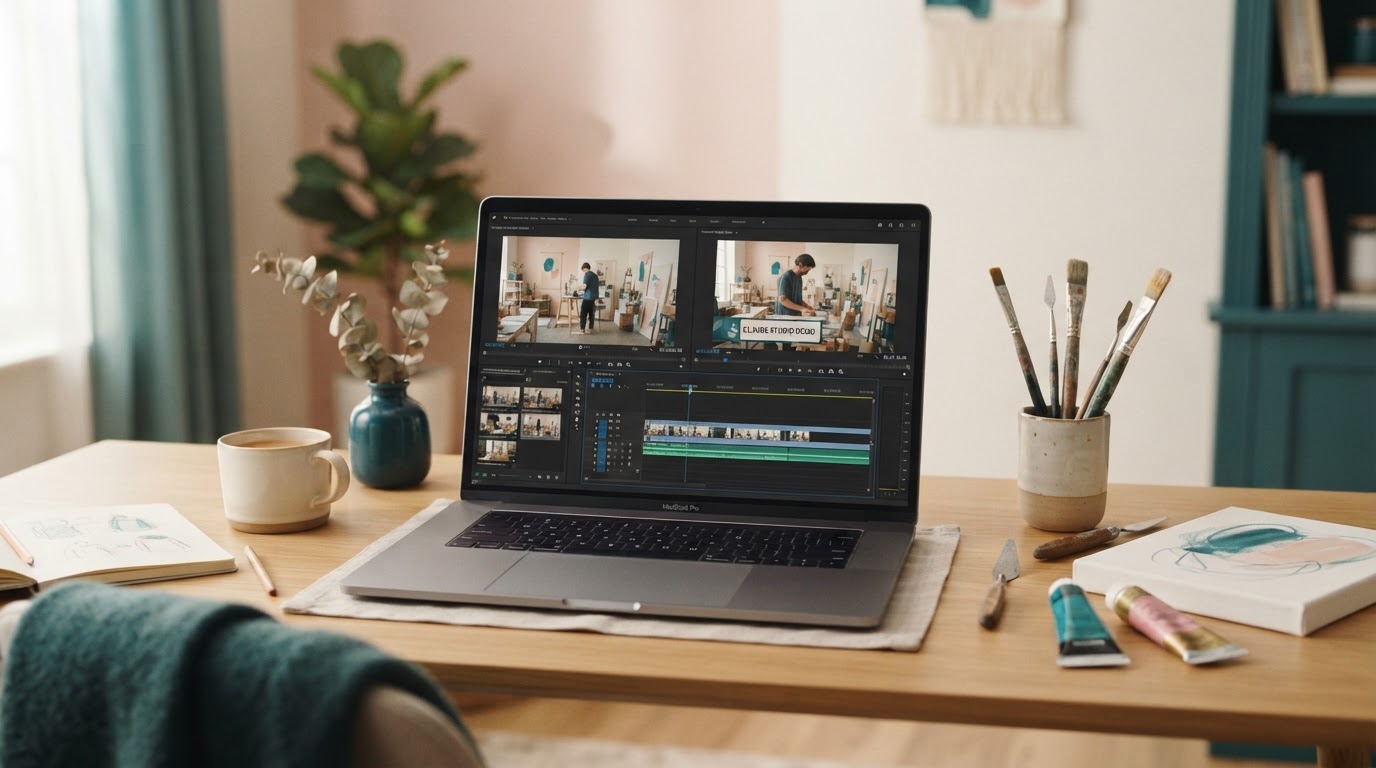
Demo 1 — Claude Editing a Studio Clip
Watch Claude take a raw studio clip and turn it into an edited reel — the system working in real time, end to end.

Demo 2 — Recording the History Artifact by Voice
A walkthrough of recording your History Artifact out loud in the Claude phone app — the step that makes every caption and email sound like you.
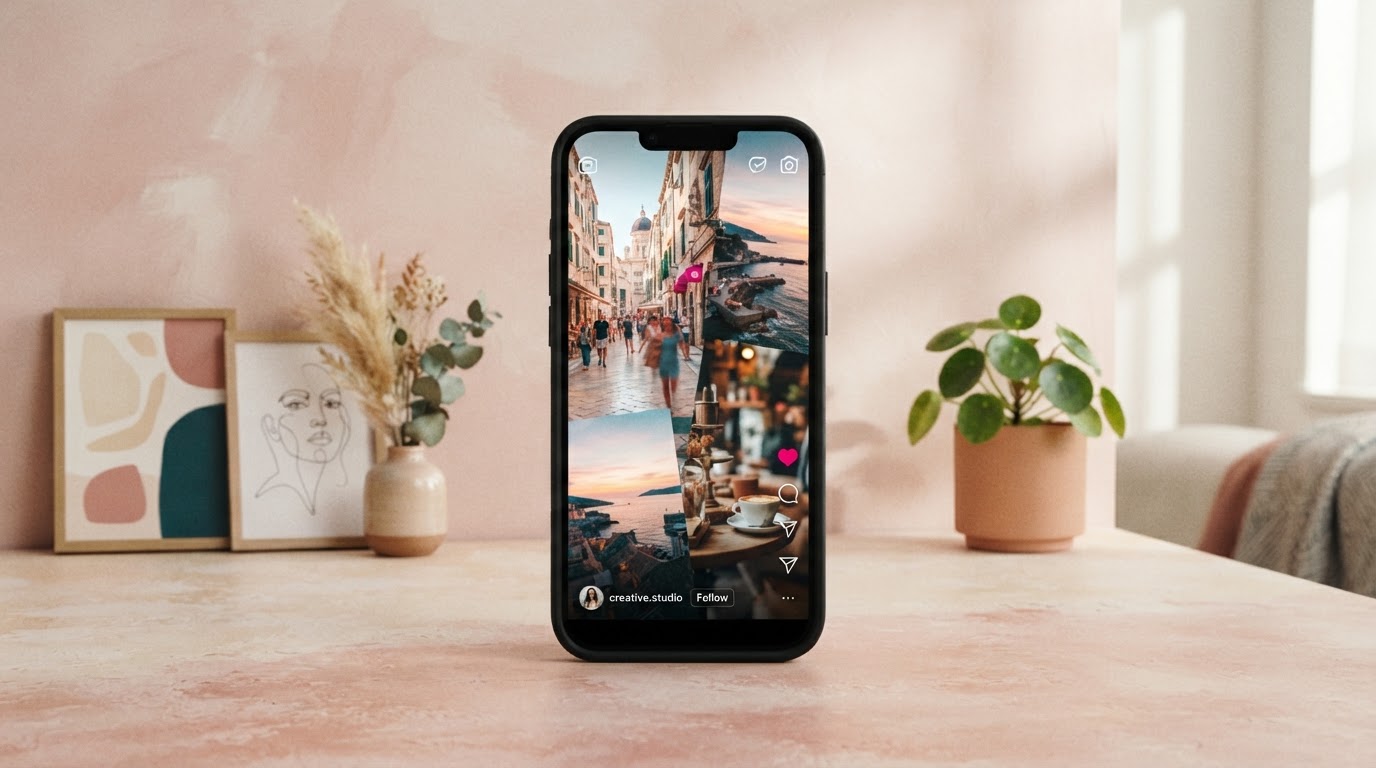
Demo 3 — A Reel From a Single Prompt
The finished reel that came from a single prompt — the “blown away with how easy it has been” moment, end to end.
This is the basis, you need to tweak it as you go to get your desired results. src/lib/studio-content-data.ts and set videoUrl (and optionally coverUrl) on any demo above.
The toolkit behind the system
Claude does the heavy lifting, but a few other tools round out the whole workflow — from running the store to mocking up the art.
The everything app for the business
High level is my store, email marketing, and scheduler — my all-in-one platform for everything. Printify and Gelato connect directly to it among many other things, and it has an AI studio so you can build landing pages with AI so easy.
Examples of tools I no longer need because of it
- Manychat — Instagram auto-responders are built in
- Any standalone email marketing service
- Shopify or a separate store
- Invoices & custom quotes for commissions
Canva
For when I want to edit things myself — but not necessary with Claude doing the heavy lifting.
Open CanvaFrame It
For my art mockups — because Claude and AI still hasn't given me the results I like with generative mockups (though I know it is possible).
Check out Frame ItClaude edits the platform FOR me — even the parts I don't understand
With the Claude browser extension, I have it edit workflows, emails, and many other things for me — especially when I don't understand how to do it all myself. It even built out a comment-trigger workflow for me (you know the ones that say "comment BOOK and I'll send it to you" and then they immediately get a message?). Yeah — that. The browser extension built the whole thing out because I just didn't understand how to do it well.
It works on ANY platform. It works on ANY platform. You do not need the one I use — you can use it on Wix, Shopify, or any email marketing software you already run. It's an extension on the Google Chrome browser that acts like a second helping hand: whatever you need practically done, it can most likely do.
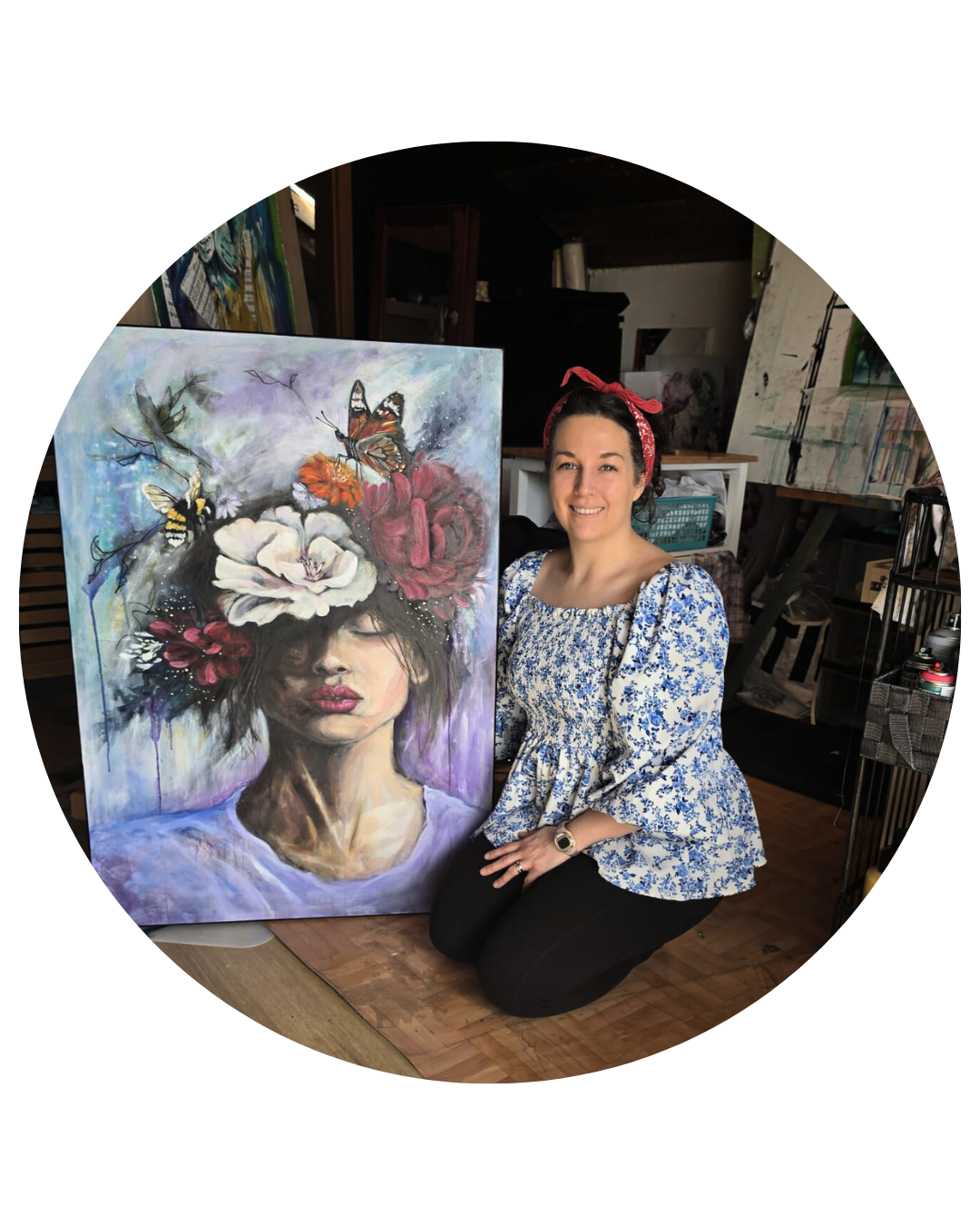
Taylor Chey
In studio with recent painting
Want to buy me a coffee?
If this system saved you hours of editing or gave you the courage to finally start posting your art, you can send a little thank-you my way. Totally optional, deeply appreciated — every coffee keeps the studio, paints, and tutorials running!
No amount is too small. Thank you for supporting an independent artist!
"I've been blown away with how easy it has been."
Every reel and caption on Taylor's Instagram lately was generated from a single prompt using this exact Claude system. Go see the real output for yourself.
"If you want to see some of the posts it has made for me with like a single prompt, check out my latest Instagram Reels. I have been blown away with how easy it has been."
See the latest reels ↗